
Be only a tap away
Turn every car into a contact card. You will be a single scan & tap away from learning about what your customer wants and being able to contact them.
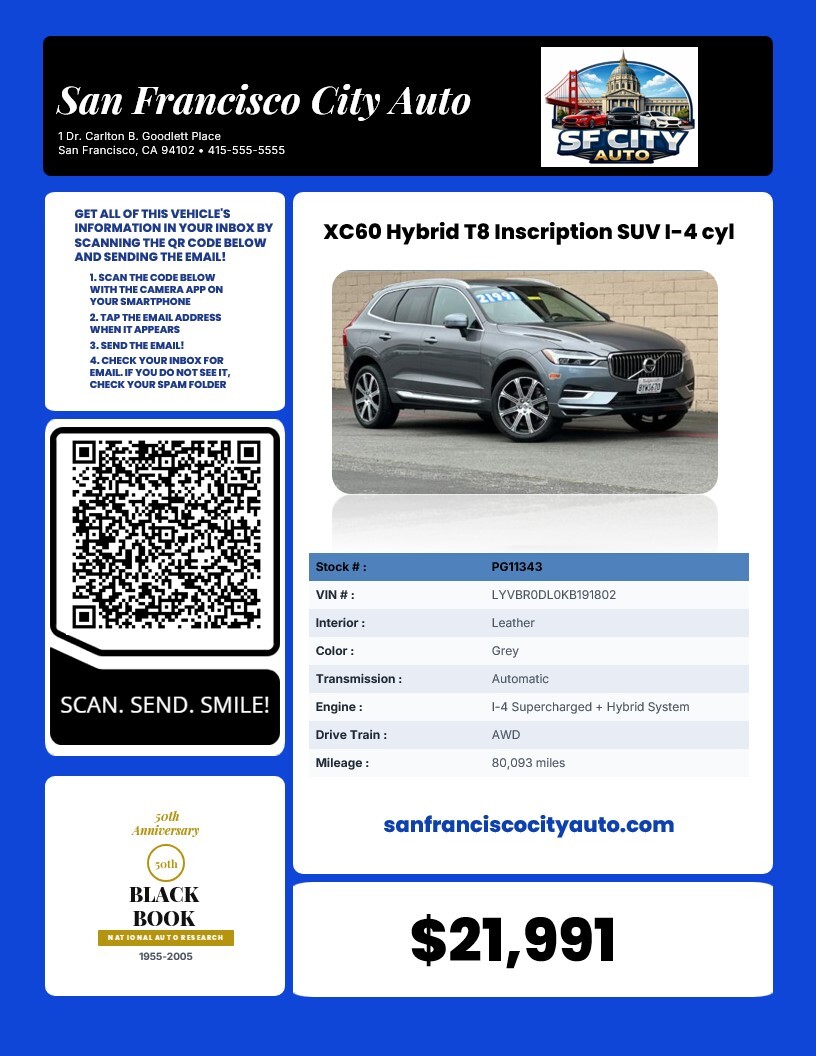
Scan Code & Tap Email
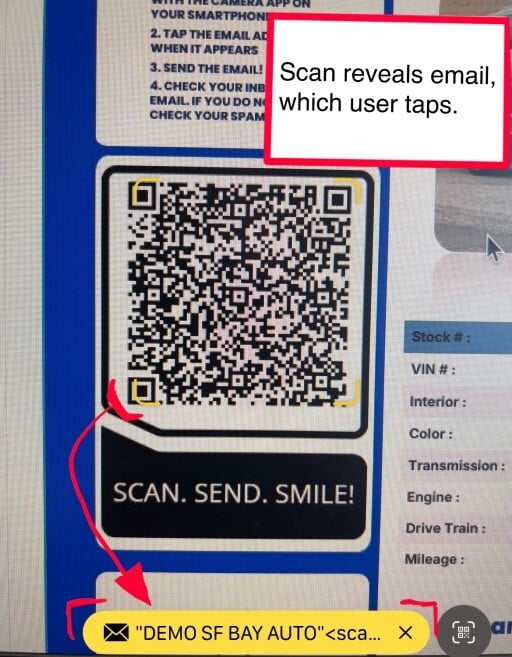
The user scans the QR code with the camera app of their smartphone. When the device sees the QR code, an email link will appear at the bottom of the screen, which the user will need to tap.
This the same user experience if the user were opening a link to a website.
This works the same for Apple & Android devices. Using the camera app is recommended as this give the most consistent experience.
Mail App Launch & Send
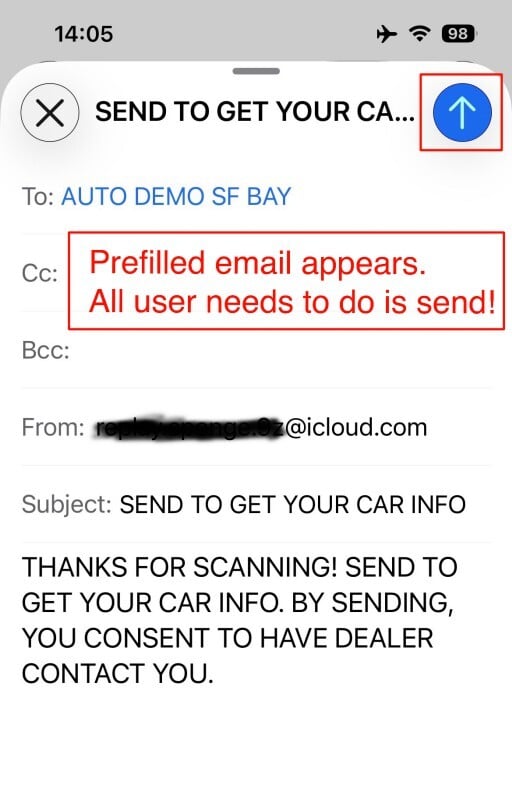
The default email application on the mobile device is launched, and a pre-filled email draft is presented. The subject line and email body give the instruction to send the email to get the vehicle info.
These are the only steps a customer needs to do to get the requested information!
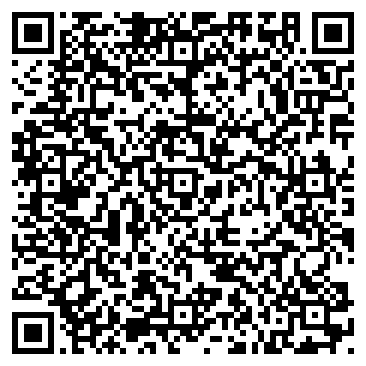
Try it now!
The QR code can be added to any printed sales materials, such as magazines, newspapers, and billboards.
Also, the same email link from the QR code can be added to any web page that you like. For example, add the link to your website for the vehicle page.
If you are on a mobile device, tap the button below to experience the ScanSend application. If you are using a desktop computer, scan the QR code with your mobile device.
You will receive the email in a few moments. If you don't see it in your inbox, check your promotions tab or spam folder.